Over the years, many Pokemon Go players have invested in auto-catchers. These devices, including Nintendo’s own Pokemon Go Plus+, let you catch Pokemon even when you aren’t actively playing the game. But historically, they haven’t come cheap, with the Pokemon Go Plus+ priced at $55 USD. With the official auto-catcher increasingly scarce, many Pokemon Go players have turned to third-party devices. Now, the need for an external autocatcher may be a thing of the past as Scopely Explore quietly released its new Explorer Gadget to all trainers.
Videos by ComicBook.com
Rumors about the Explorer Gadget first emerged a few months ago, when Scopely Explore began testing the feature on some accounts. Now, it looks like the Explorer Gadget has been deployed more broadly, as part of a phased rollout. The device has seemingly been quietly dropped into the game without much fanfare. I was certainly surprised to see it when I logged into Pokemon Go yesterday, and I follow updates pretty closely. Though there hasn’t been a big news post about it yet, the Pokemon Go Help Center did recently post an explainer breaking down the new feature. Here’s what the Explorer Gadget does in Pokemon Go (and, maybe more importantly, what it doesn’t do).
What Is the Explorer Gadget in Pokemon Go?

To get the Explorer Gadget, you don’t need to do anything special. If your game is fully updated and the feature has rolled out in your area, you should see a new icon on the right-hand side of the screen in Pokemon Go. The new icon, which resembles the Pokemon Go Plus+, now shows up between the Rocket Radar and Daily Adventure Incense icons. To enable it, just click on the Explorer Gadget and toggle it on. Then, your game will use the new auto-catch feature when you aren’t actively playing Pokemon Go.
If you’re already using an external auto-catcher, the Explorer Gadget won’t show up for you. So, if you’re not seeing it, this could be why. Try disconnecting your auto-catcher, then enabling the Explorer Gadget from the Key Items section of your bag. Of course, if you already like your current auto-catcher, I don’t see a compelling reason to swap to the in-game version just yet. However, it is an interesting new toy for those of us who never invested in an auto-catcher.
How the Pokemon Go Explorer Gadget Works & When to Use It
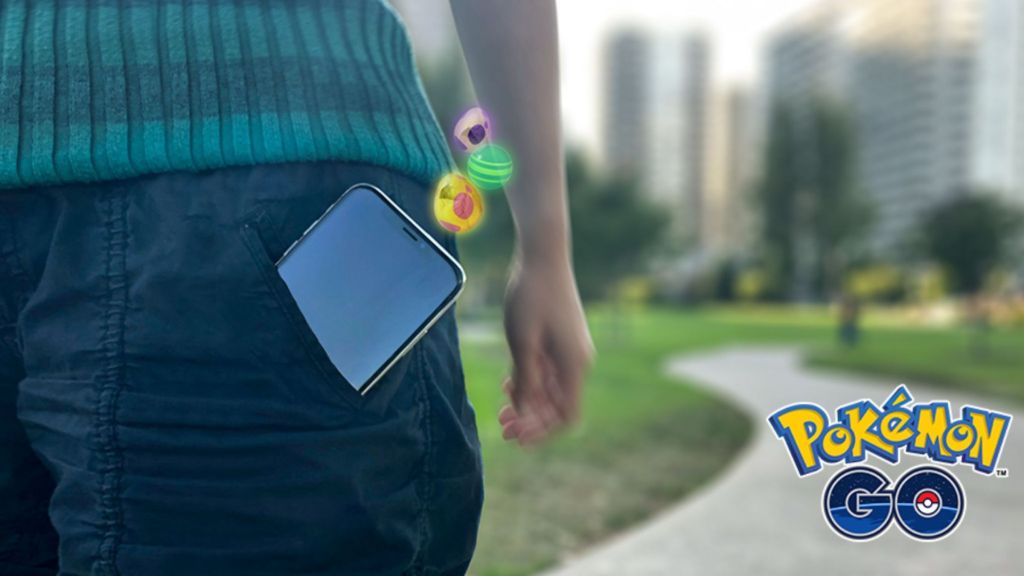
The Explorer Gadget will auto-catch up to 56 Pokemon while enabled. It also automatically spins PokeStops, provided you’ve got any nearby. If you don’t, prepare to run out of Poke Balls pretty quickly, at which point the device will stop working until you restock. Provided you have enough Poke Balls and space in your storage, though, you can catch up to 56 Pokemon per day automatically with the Explorer Gadget enabled. If you run out of balls or space, an error notification will show up letting you know the Explorer Gadget isn’t working anymore. As a rural player with no PokeStops nearby, I found that out pretty quickly.
Poke Balls and storage aside, there are a few more caveats to keep in mind when using the new auto-catcher. The Explorer Gadget will not catch Pokemon that you haven’t registered in your PokeDex. In other words, if a new-to-you Pokemon spawns nearby while you’re not actively playing, the game isn’t going to get it for you automatically. This limitation isn’t new, as it also applies to auto-catchers like the Pokemon Go Plus+, but it is something to keep in mind. If you’re trying to snag a new debut, the Explorer Gadget won’t do it for you. But if you’re trying to complete that weekly challenge for catching 500 Pokemon, it does seem like a useful new way to get more out of the game even when you’re not actively looking at your phone.
More Gaming
-

Courtesy of Rockstar Games -

Courtesy of Fury Studios -

Courtesy of 343 Industries