Animal Crossing fans have been looking forward to the massive 3.0 update to New Horizons since it was announced late last year. It was originally expected to arrive on January 15th, alongside the new Switch 2 edition of the game. However, Nintendo treated fans to a surprise this morning by dropping the Animal Crossing: New Horizons 3.0 update a day early. That means fans can now explore the Dream Islands and get to work in the brand-new hotel.
Videos by ComicBook.com
Early on January 14th, fans began reporting they were able to update Animal Crossing to its 3.0 version. For me, the game didn’t automatically prompt me to install, but I was able to install an update from the “Check Software” option in the game menu. Once I did, Animal Crossing: New Horizons 3.0 installed, and I was able to jump right in. That said, the Switch 2 edition does appear to still be planned for January 15th. At the time I’m writing this, the Switch 2 upgrade is still noted as a pre-order in the Nintendo eShop. So, Switch 2 users may still be waiting until January 15th to decorate with those new mouse controls.
Animal Crossing: New Horizons 3.0 Update Details
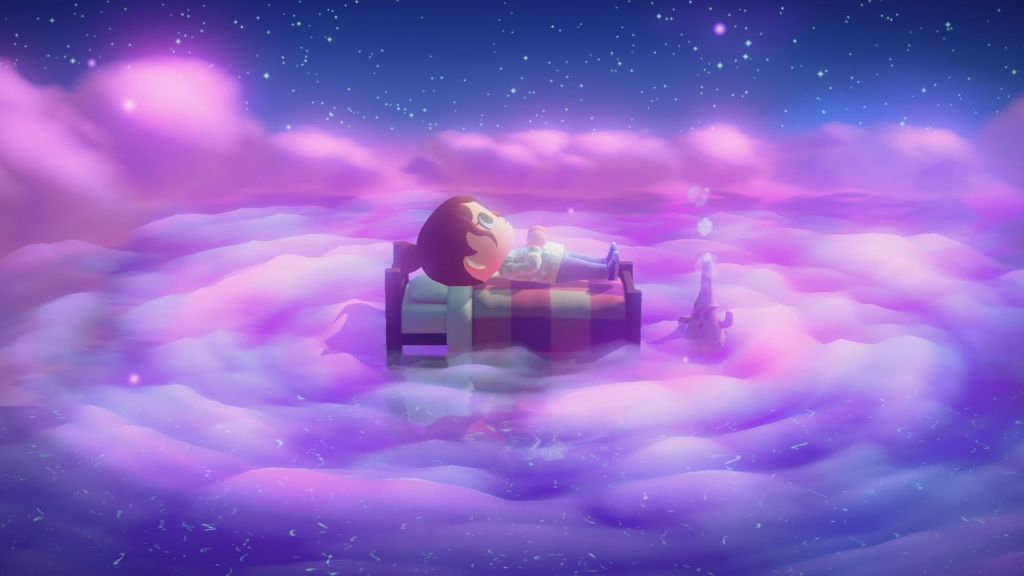
As of now, Nintendo hasn’t released official patch notes for the 3.0 update to Animal Crossing: New Horizons. However, we have a pretty good sense of what’s included with this update thanks to previews and trailers shared in the lead-up to the big day. When logging in to Animal Crossing after installing the 3.0 update, players can look forward to:
- New Dream/Slumber Islands with Luna
- The Resort Hotel run by Kapp’n and Family
- Max storage increase (from 5000 to 9000)
- Resetti’s Cleanup Service
- New LEGO & Nintendo Collab Items
Some of these features may not be available until you hit a certain point in the game. So if you started a new save in anticipation of the update, you might need to progress further before Kapp’n and family will set up their hotel. The Slumber Islands, storage increase, and other minor update elements should, however, be available as soon as you install the update.
The Switch 2-specific updates, including Joy-Con mouse controls and the Megaphone, won’t be available until the Switch 2 upgrade releases. For now, it looks like that will still happen on January 15th, or possibly late in the day on the 14th, depending on your time zone.
How to Check for & Manually Install Animal Crossing 3.0

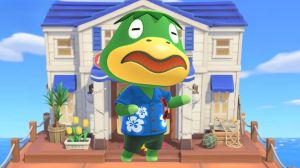
If you’re eager to jump in but aren’t getting an automatic prompt to install Animal Crossing 3.0 just yet, don’t worry. You can check for and install the update manually by following these steps.
First, hover over Animal Crossing: New Horizons on the Nintendo Switch/Switch 2 homescreen. Then, hit the + button to open the settings menu. You will see your current Version Number at the top-left, which will let you know if you still need to install the 3.0 update. My version was 2.0.8 until I manually updated to 3.0.
From there, go to “Software Update,” then select “Via the Internet.” This will prompt your console to check for and install the latest game version. In this case, it should start the Animal Crossing: New Horizons 3.0 update right away.
This is a fairly large patch, so it will probably take a few minutes to install. Once it does, simply launch the game. You should get a notification that your save data will be updated to reflect the latest version. Then, you’re all set to explore what the 3.0 update has to offer!
Are you excited to dive into Animal Crossing 3.0 a day earlier than planned? Leave a comment below and join the conversation now in the ComicBook Forum!
Most Viewed
-

Official art by Bastien Lecouffe-Deharme -

Image courtesy of Tor Books/Macmillan -
A photo of the Retrovolt Arcade taken in 2017, showing several classic arcade cabinets and stools. -

Courtesy of TOHO Animation