Along with its cute Pokemon and heartwarming storyline, Pokemon Pokopia offers players a ton of flexibility and creativity. The game has only been out for a week, but many fans have already created stunning virtual worlds for their Poke Pals. For those of us who need a little design inspiration, the Pokopia developers let us virtually tour their Cloud Island. Now, those Mysterious Goggles will once again serve us well. A brand new virtual island code for Pokopia has arrived, giving us a whole new world to explore and copy for our own Pokemon utopias.
Videos by ComicBook.com
Visiting these special islands requires a slightly different process than hanging out on a friend’s Cloud Island. You’ll need to buy the Mysterious Goggles from the Pokemon Center PC and equip them. Then, you’ll be prompted to enter the new code where you can visit a brand-new beautifully crafted cloud island. This time, the creator is none other than the star of the Japanese commercials for Pokemon Pokopia. And they’ve got a pretty cool setup you might want to steal.
How to Visit Hidetaka Kano’s Cloud Island
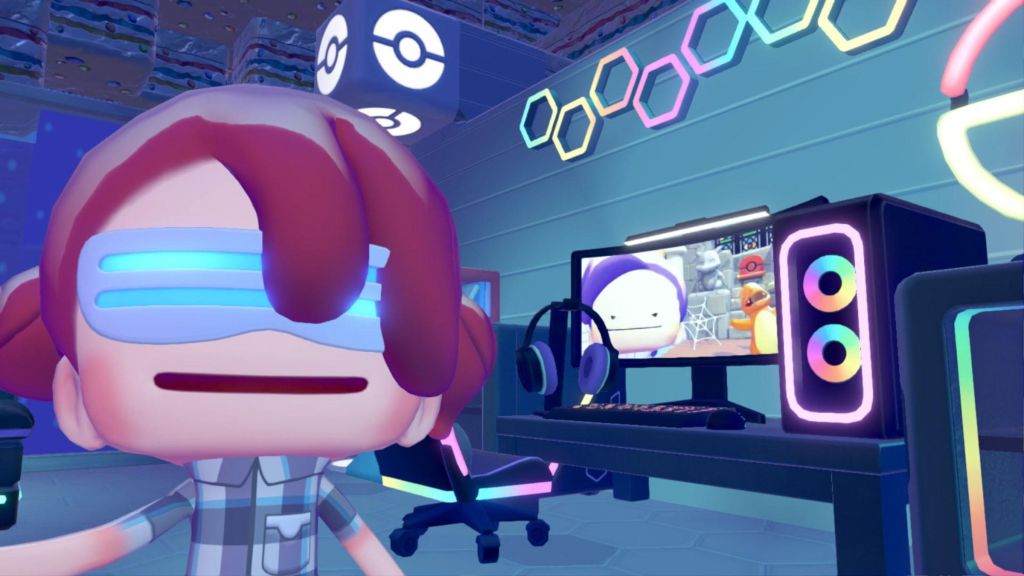
The new Pokopia code lets players explore a virtual Cloud Island created by Hidetaka Kano. They are the star of the Japanese Pokopia commercials, and their island boasts some pretty impressive designs. To see it for yourself, grab your Mysterious Goggles and equip them. Then, enter the code QBRK 7FVM when prompted.
Visiting these virtual islands does require an online connection and an active Nintendo Switch Online subscription. While there, you will be able to run around and explore. However, you can’t physically interact with or take any items. But thanks to the game’s PokeMetal Printing feature, you can snag some new items by visiting virtual Cloud Islands.
How to Use the 3D Printer to Copy Items in Pokopia
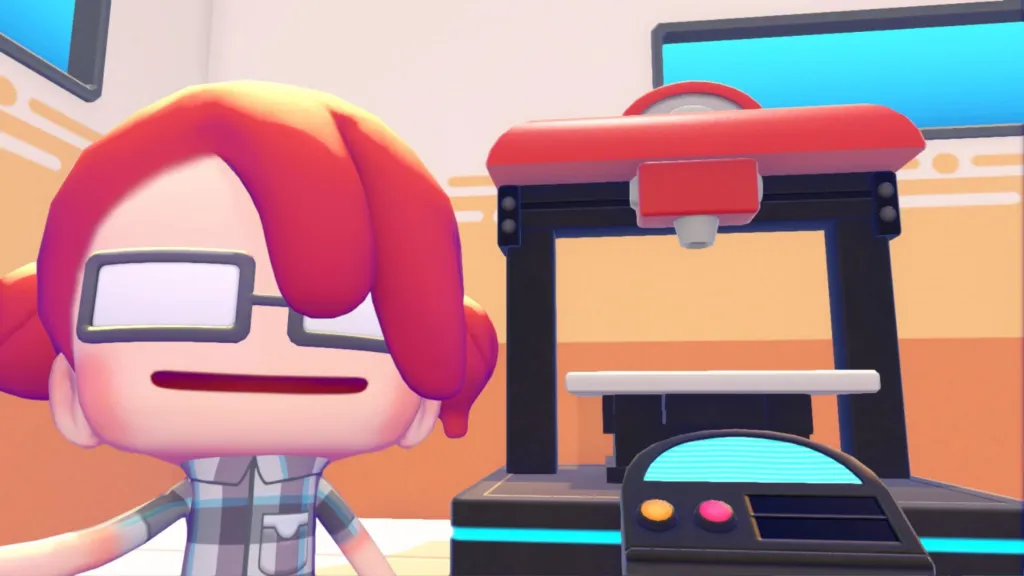
When the Developer Island code came out, Pokopia was new enough that many of us hadn’t figured out how to print items in the game. However, there’s a machine in the Pokemon Center that will let you do just that. You simply need to take a reference photo of the item in question – and that includes items on these special Cloud Islands. While Kano’s island is quite a bit more compact, it does have some items that are hard to come by. If you want to 3D print them for yourself, you can. Here’s how it works.
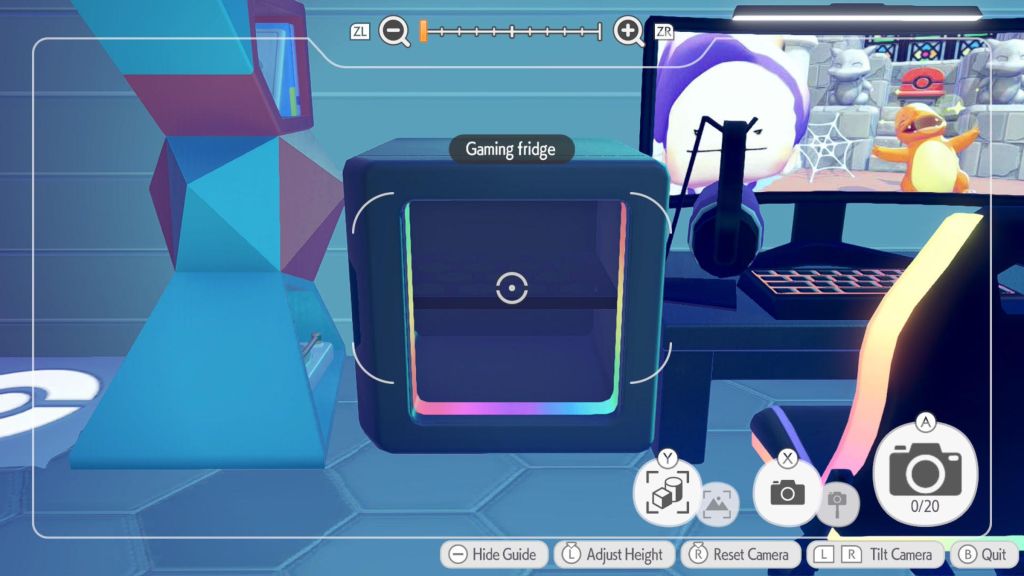
First, you’ll need to take a reference photo of the item in question. To do this, pull out your camera. Then, press the Y button. This will switch to object photo mode. You’ll know it worked because you’ll see labels for specific items when you point the camera at them. Snap a photo as usual while in this mode, and you’ll get a reference photo for the 3D printer in the Pokemon Center.
To make a copy of the item, you’ll need Poke Metal ingots. You can buy these from the PC or find them while exploring. If you mine Poke Metal ore, you can also smelt more ingots. Once you have enough, head inside the Pokemon Center and interact with the 3D printer there. This will bring up your reference photos, which you can use to print copies of items you photographed on virtual islands or while exploring in Pokopia.
Some items, including that stunning Charizard rug on Kano’s island, require Rare Poke Metal ingots. Items you can’t print will have an icon over them. Trying to print them will bring up a message telling you which Ingots you’re missing. Anything you can print will appear as a normal photo. Then, simply press A on the photo and you’ll be prompted to enter how many copies you want to make. The printer will get right to work, and you’ll soon have a copy of the item in question that you can use to steal ideas from virtual islands like Kano’s and the developers’.
Have you used the Mysterious Goggles to take a virtual tour in Pokopia yet? Leave a comment below and join the conversation now in the ComicBook Forum!
Most Viewed
-

Courtesy of Crunchyroll -

Sony Pictures -

©Tsuyoshi Takaki/Shueisha, Project BLACK TORCH -

Image Courtesy of Marvel Comics